
Support QA review app
A quality review tool for a support lead: sample conversations, score them against a rubric, and see where reviewers disagree with each other and with customers.
The live dashboard asks you to sign in first. Anything with tables people can write into is shared that way rather than publicly.
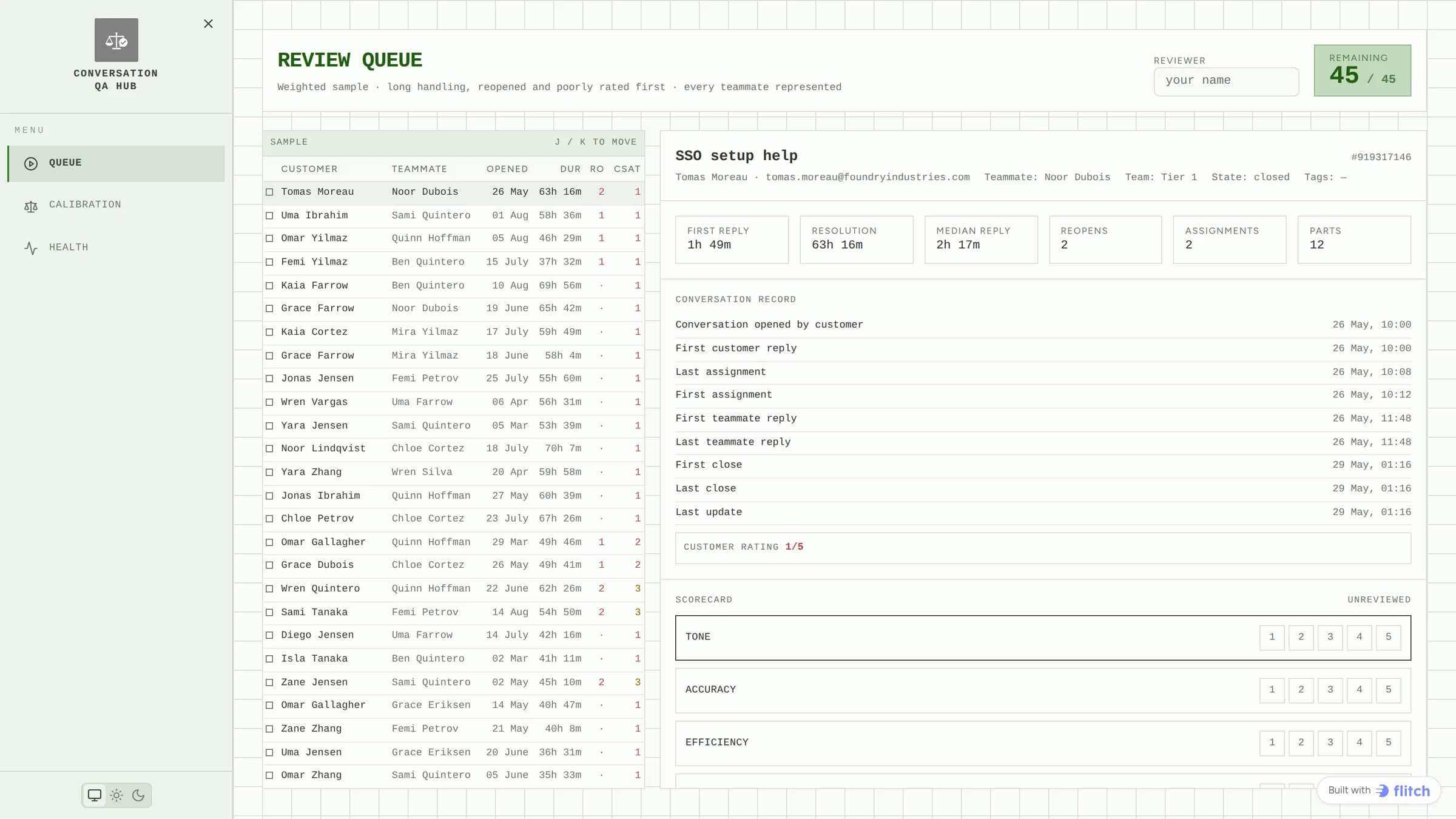
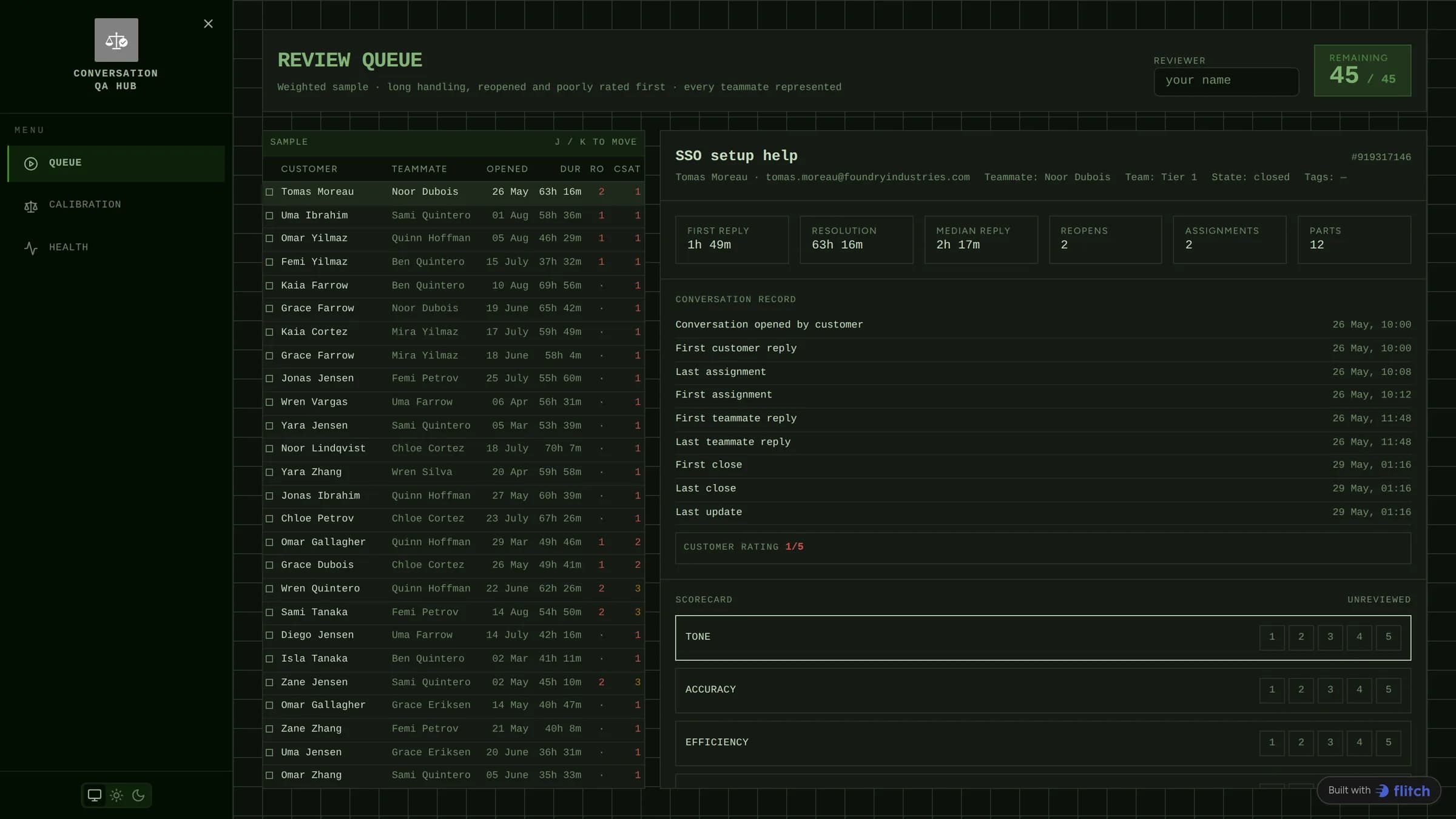
An app rather than a report, built in Flitch on Intercom data. A weighted sample puts the long, reopened and badly rated conversations first, scoring one advances to the next, and a second page reads back what has been scored to show which reviewers grade harder than their peers.
What the dashboard does
- A review queue weighted towards long, reopened and poorly rated conversations, with every teammate represented
- The conversation under review with its full timing detail: first reply, resolution, reopens, assignments
- A four-criteria scorecard, with saving advancing straight to the next unreviewed conversation
- Keyboard movement through the queue, and a count of what is left
- Calibration: score by teammate and criterion, and where the reviewer disagreed with the customer
- Inbox health: volume by hour against weekday, response and resolution times, unresolved by tag
What data sits behind it
| Dataset | What it carries |
|---|---|
| conversations | Every conversation with its state, tags, rating and timing statistics. |
| contacts | The customer behind each conversation, with plan and location. |
| admins | The teammates, and the team each belongs to. |
| tags | The tag vocabulary behind the topic breakdown. |
Tables people fill in
Not everything worth reporting on comes out of a system. These are written by hand, inside the dashboard, as the work happens. Your copy gets the tables and the controls, and starts empty.
- Reviews The scores a reviewer gives, which the calibration page reads back.
How it was built
Nobody laid this out by hand. It came from one prompt, against the datasets above, and was refined from there. This is the prompt, unedited.
Build "Conversation QA", a quality review workflow for a support team. Not a support dashboard: this is the tool a team lead uses to actually review work.
Support QA review app FAQ
How is the sample chosen?
Weighted towards the conversations worth reading: the long ones, the reopened ones and the poorly rated ones, while still making sure every teammate appears. Reviewing a random sample mostly means reviewing conversations that went fine.
What does calibration tell me?
Whether your reviewers agree. It compares each reviewer’s scores against their peers and against what the customer rated the same conversation. A reviewer who grades a full point harder than everyone else is a problem with the process, not with their team.
Do the scores come with the copy?
No. Reviews is a table people write into, so it starts empty in your copy and the entries stay with the original. The table, its criteria and the scoring controls all come across.
Is this real support data?
No. It runs on a synthetic inbox: 3,200 conversations over six months across eleven teammates and twelve tags, with a genuine staffing gap visible in the hour-by-weekday view.
Start from this one
You get your own copy, with its own data, in your own space. Change anything you like.
Use this template